lights TESLA MODEL S 2018 User Guide
[x] Cancel search | Manufacturer: TESLA, Model Year: 2018, Model line: MODEL S, Model: TESLA MODEL S 2018Pages: 195, PDF Size: 5.51 MB
Page 111 of 195

7.Displays
Manually control the brightness and the DAY (light background) or NIGHT (dark background)
setting of the touchscreen and instrument panel. When set to AUTO, the brightness changes
automatically between day and night brightness based on ambient lighting conditions. When
Auto-adjust is checked, the displays are further adjusted based on both the surroundings and
by learning your preferences (i.e. it remembers the type of manual adjustments you make).
To disable the touchscreen momentarily for cleaning purposes, touch CLEAN MODE.
You can also put Model S into an energy saving mode so it consumes less energy when not in
use (see Getting Maximum Range on page 70).
Note: The Displays settings can also be accessed from the Controls screen.
8. HomeLink (if equipped)
If the HomeLink feature is available in your region, use it to control RF-enabled garage doors, lights, or security systems (see HomeLink Universal Transceiver on page 133).
9. Driver Assistance
If Model S is equipped with Driver Assistance components, you can control the features that provide a safer and more convenient driving experience (see About Driver Assistance on page
73).
10. Service & Reset
Turn various service-related features on and
off:
Page 133 of 195

About the Security SystemIf Model S does not detect a key nearby and a
locked door or trunk is opened, an alarm sounds and the headlights and turn signals
flash. To deactivate the alarm, press any
button on the key.
To manually enable or disable the alarm
system, touch Controls > Settings > Safety &
Security > Alarm . When set to ON, Model S
activates its alarm one minute after you exit,
the doors lock, and a recognized key is no
longer detected.
If your Model S is equipped with the optional security package, it includes a battery-backed
siren that sounds in situations where a locked door or trunk is opened and Model S does notdetect a key nearby. If the Tilt/Intrusion
setting is on, the siren also sounds if Model S
detects motion inside the cabin or if the
vehicle is moved or tilted (for example, with a
tow truck or jack). To temporarily turn the Tilt/
Intrusion detection system
off, touch
Controls > Settings > Safety & Security > Tilt/
Intrusion > OFF . The Tilt/Intrusion setting is
enabled every time Model S is unlocked.
Note: If you plan to leave something that
moves, such as a dog, inside your locked
Model S, remember to turn
off Tilt/Intrusion .
Motion detected inside Model S activates the
siren.
Note: The Alarm must be on to enable Tilt/
Intrusion .
Security Settings
132Model S Owner
Page 135 of 195

Troubleshooting HomeLinkWhen programming a HomeLink device, the
touchscreen walks you through a two-part
programming process:
1. Model S records the signal from the
remote. The touchscreen instructs you to
stand in front of the vehicle, point the
remote at the front bumper and press and
hold the button until the headlights
flash.When the headlights flash, Model S has
learned the remote and you can touch
Continue on the touchscreen. If the
headlights do not
flash, refer to the
following guidelines.
2. The device
Page 189 of 195

AABS (Anti-lock Braking System) 60
absolute speed limit 97
Acceleration (dual-motor) 104
Acceleration settings 67
access panel, removing 159accessoriesplugging into power socket 122
adaptive headlights 56
air circulation 112
air conditioning 111
air distribution 112
air
filter 115
air suspension 118
air vents 115
airbag, front passenger, disabling 37
airbags 35
alarm 132
all-season tires 151
always connected, setting 70
anti-lock braking (ABS) 60
audioplaying files 119
steering wheel buttons 41
volume control 119
Auto High Beam 56
Auto Lane Change 85
auto-raising suspension 117
automatic emergency braking 94
Autopark 87
Autopilot components 73
Autosteer 82
average range 70
B backup camera 72
battery (12V)complete discharge 140specifications 170Battery (high voltage)care of 140
coolant 159
specifications 170
temperature limits 140
battery (key), replacing 5
blind spot warning 91
Bluetoothdevices, playing audio files from 122
general information 124
phone, pairing and using 124
body repairs 163
body touch up 156
brake
fluid replacement 147
brakesautomatic in emergencies 94fluid level 160brakes (continued)overview of 60specifications 170
brightness of displays 107
C
Cabin Overheat Protection setting 107
cabin temperature control 111
Calendar app 131
camera (rear view) 72
cameras (autopilot) 73
car cover 156
car status, displaying 41, 42
car washes 154
cargo area 11
cargo volume 168
carpets, cleaning 155
CE
certifications 185
CHAdeMO 139
chains 151
change of ownership 110
charge port 142
charge port light 143
chargingcharge settings 144
components and equipment 138
instructions 142
public charging stations 139
scheduling 144
status of 145
charging locations, finding 127
child protectiondisabling liftgate and rear door handles 7
disabling rear window switches 9child seatscleaning 155
disabling front passenger airbag 37
installing and using 24
Tesla built-in rear facing 31
Chill acceleration 67
cleaning 154
climate controls 111
Climate Timer 114
Cold Weather controls 104
collision avoidance assist 93
console12V power socket 122
cup holders 17
USB ports 122
consumption chart 70
contact informationroadside assistance 177coolantBattery, checking level of 159
Battery, replacement interval 147
copyrights 182
Creep 104
Index
188Model S Owner
Page 190 of 195
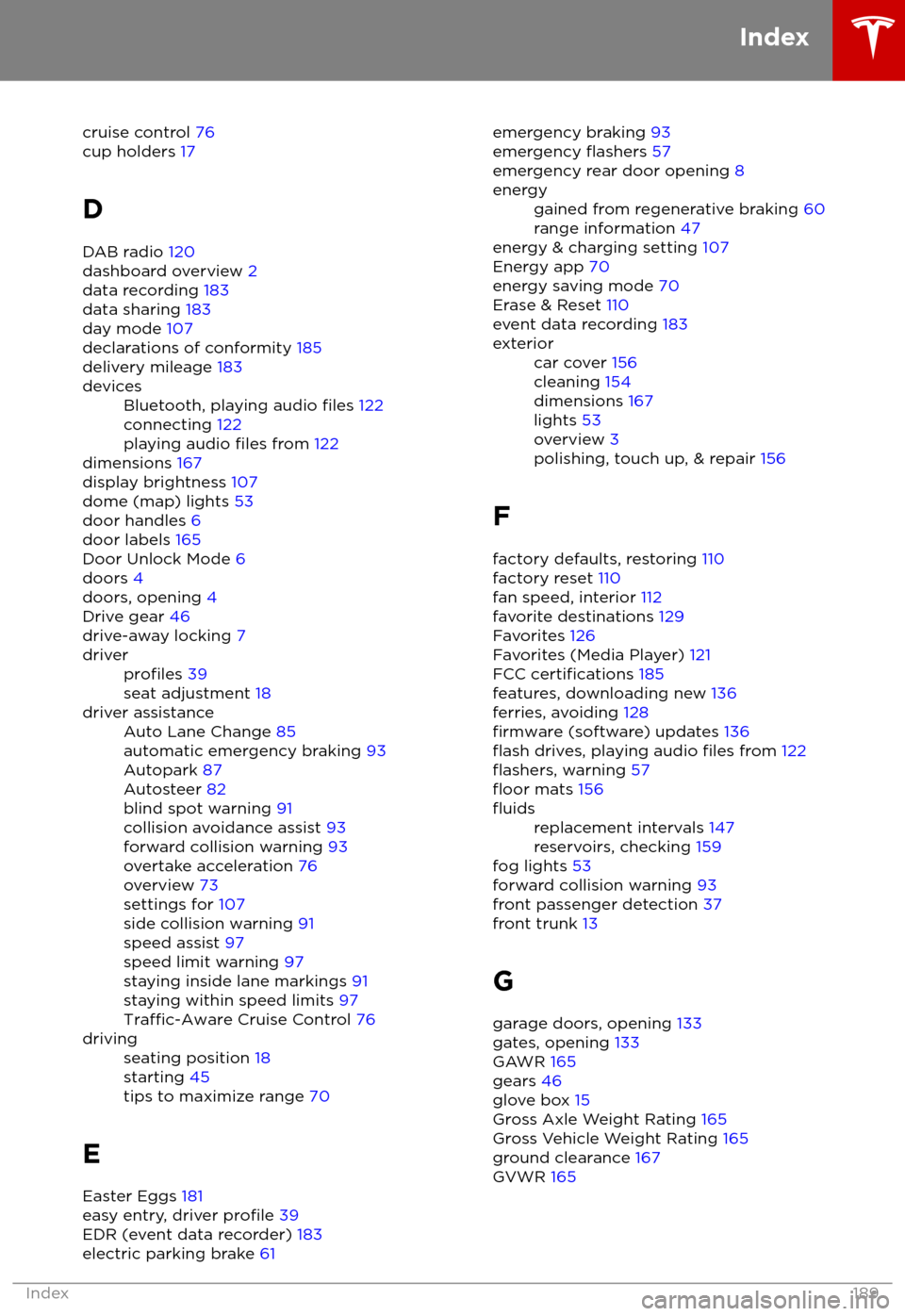
cruise control 76
cup holders 17
D
DAB radio 120
dashboard overview 2
data recording 183
data sharing 183
day mode 107
declarations of conformity 185
delivery mileage 183devicesBluetooth, playing audio files 122
connecting 122
playing audio
files from 122
dimensions 167
display brightness 107
dome (map) lights 53
door handles 6
door labels 165
Door Unlock Mode 6
doors 4
doors, opening 4
Drive gear 46
drive-away locking 7
driverprofiles 39
seat adjustment 18driver assistanceAuto Lane Change 85
automatic emergency braking 93
Autopark 87
Autosteer 82
blind spot warning 91
collision avoidance assist 93
forward collision warning 93
overtake acceleration 76
overview 73
settings for 107
side collision warning 91
speed assist 97
speed limit warning 97
staying inside lane markings 91
staying within speed limits 97
Traffic-Aware Cruise Control 76
drivingseating position 18
starting 45
tips to maximize range 70
E
Easter Eggs 181
easy entry, driver
profile 39
EDR (event data recorder) 183
electric parking brake 61
emergency braking
93
emergency flashers 57
emergency rear door opening 8energygained from regenerative braking 60
range information 47
energy & charging setting 107
Energy app 70
energy saving mode 70
Erase & Reset 110
event data recording 183
exteriorcar cover 156
cleaning 154
dimensions 167
lights 53
overview 3
polishing, touch up, & repair 156
F
factory defaults, restoring 110
factory reset 110
fan speed, interior 112
favorite destinations 129
Favorites 126
Favorites (Media Player) 121
FCC
certifications 185
features, downloading new 136
ferries, avoiding 128
firmware (software) updates 136flash drives, playing audio files from 122flashers, warning 57floor mats 156
fluidsreplacement intervals 147
reservoirs, checking 159
fog lights 53
forward collision warning 93
front passenger detection 37
front trunk 13
G
garage doors, opening 133
gates, opening 133
GAWR 165
gears 46
glove box 15
Gross Axle Weight Rating 165
Gross Vehicle Weight Rating 165
ground clearance 167
GVWR 165
Index
Index189
Page 191 of 195
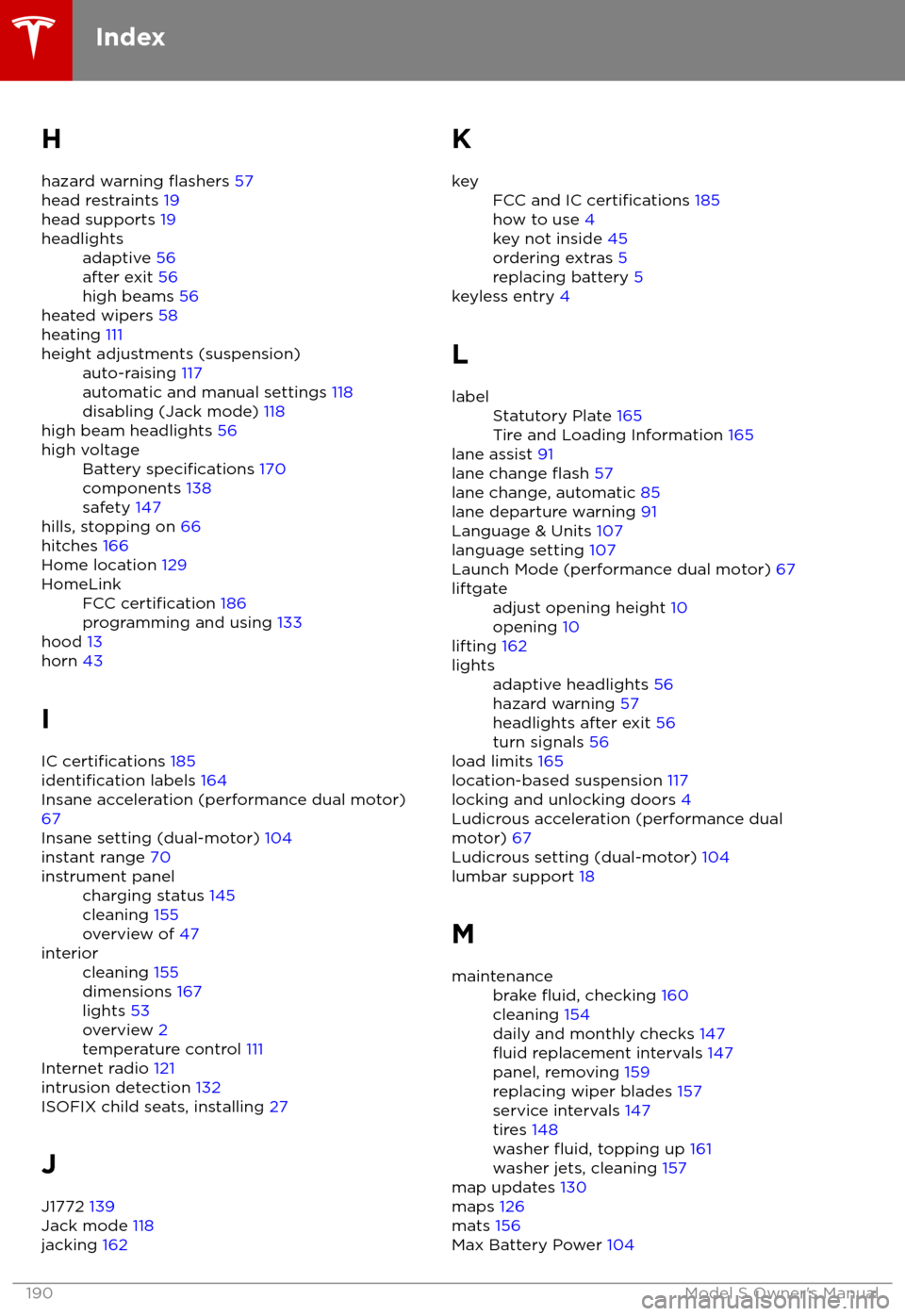
H
hazard warning
flashers 57
head restraints 19
head supports 19
headlightsadaptive 56
after exit 56
high beams 56
heated wipers 58
heating 111
height adjustments (suspension)auto-raising 117
automatic and manual settings 118
disabling (Jack mode) 118
high beam headlights 56
high voltageBattery specifications 170
components 138
safety 147
hills, stopping on 66
hitches 166
Home location 129
HomeLinkFCC certification 186
programming and using 133
hood 13
horn 43
I
IC
certifications 185identification labels 164
Insane acceleration (performance dual motor) 67
Insane setting (dual-motor) 104
instant range 70
instrument panelcharging status 145
cleaning 155
overview of 47interiorcleaning 155
dimensions 167
lights 53
overview 2
temperature control 111
Internet radio 121
intrusion detection 132
ISOFIX child seats, installing 27
J
J1772 139
Jack mode 118
jacking 162
KkeyFCC and IC certifications 185
how to use 4
key not inside 45
ordering extras 5
replacing battery 5
keyless entry 4
L
labelStatutory Plate 165
Tire and Loading Information 165
lane assist 91
lane change flash 57
lane change, automatic 85
lane departure warning 91
Language & Units 107
language setting 107
Launch Mode (performance dual motor) 67
liftgateadjust opening height 10
opening 10
lifting 162
lightsadaptive headlights 56
hazard warning 57
headlights after exit 56
turn signals 56
load limits 165
location-based suspension 117
locking and unlocking doors 4
Ludicrous acceleration (performance dual
motor) 67
Ludicrous setting (dual-motor) 104
lumbar support 18
M
maintenancebrake fluid, checking 160
cleaning 154
daily and monthly checks 147
fluid replacement intervals 147
panel, removing 159
replacing wiper blades 157
service intervals 147
tires 148
washer
fluid, topping up 161
washer jets, cleaning 157
map updates 130
maps 126
mats 156
Max Battery Power 104
Index
190Model S Owner